

Dream Skin Studio Demo
Minimal · Light
Open-source reference
AI Codex Dream Skin Generator for macOS
Create your Codex Dream Skin from an AI prompt, your own image, or a curated theme. Preview the result and download a ready-to-apply macOS package.
Theme preview
No chats, projects, code, API keys, or uploaded images are stored by this tool.
Theme-ready
Your wallpaper and palette are packaged into one focused skin.
Local-first
The downloadable package uses fixed, versioned runner logic.
Easy restore
Every package includes a visible Restore Default entry.
Minimal · Light
Open-source reference
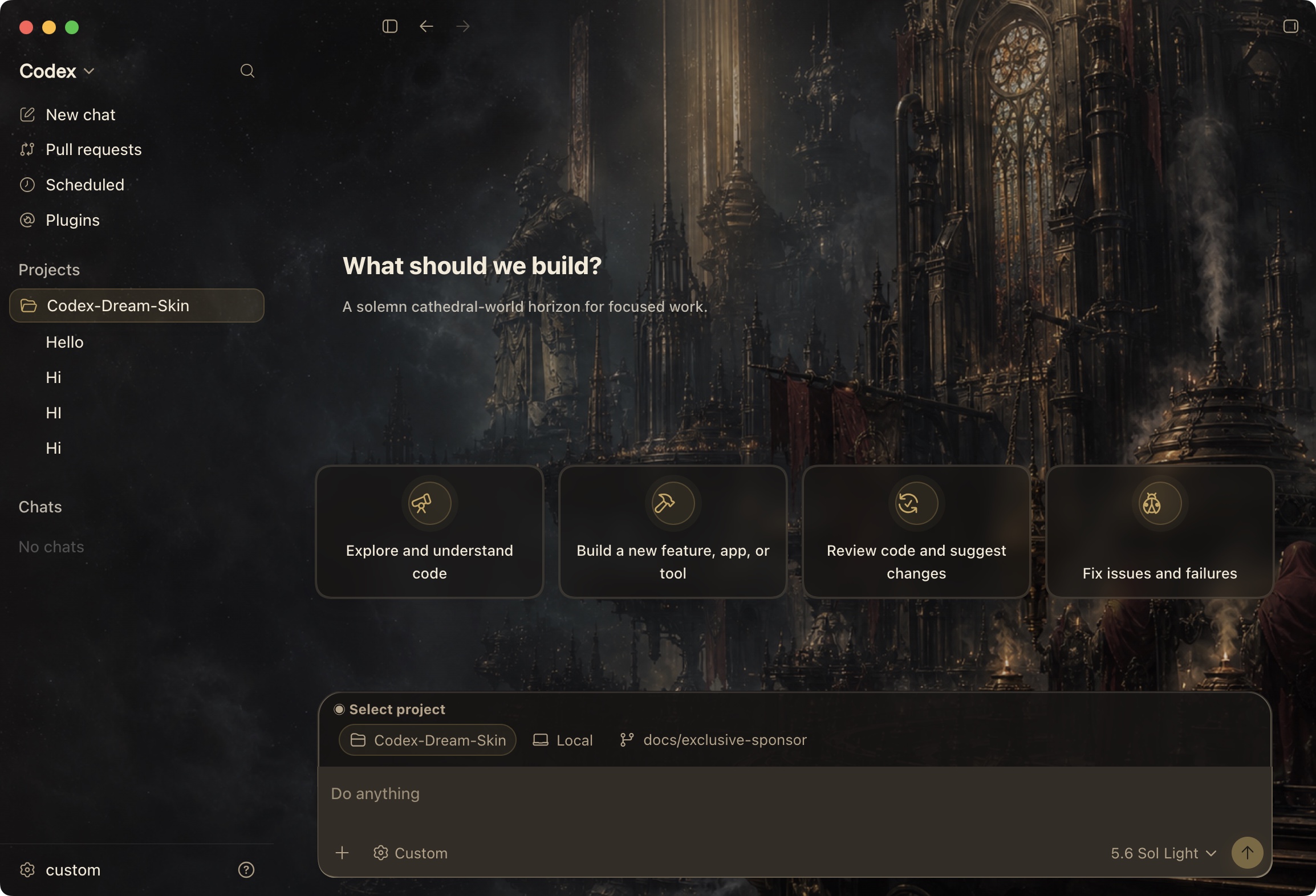
OLED · Cozy
Open-source reference
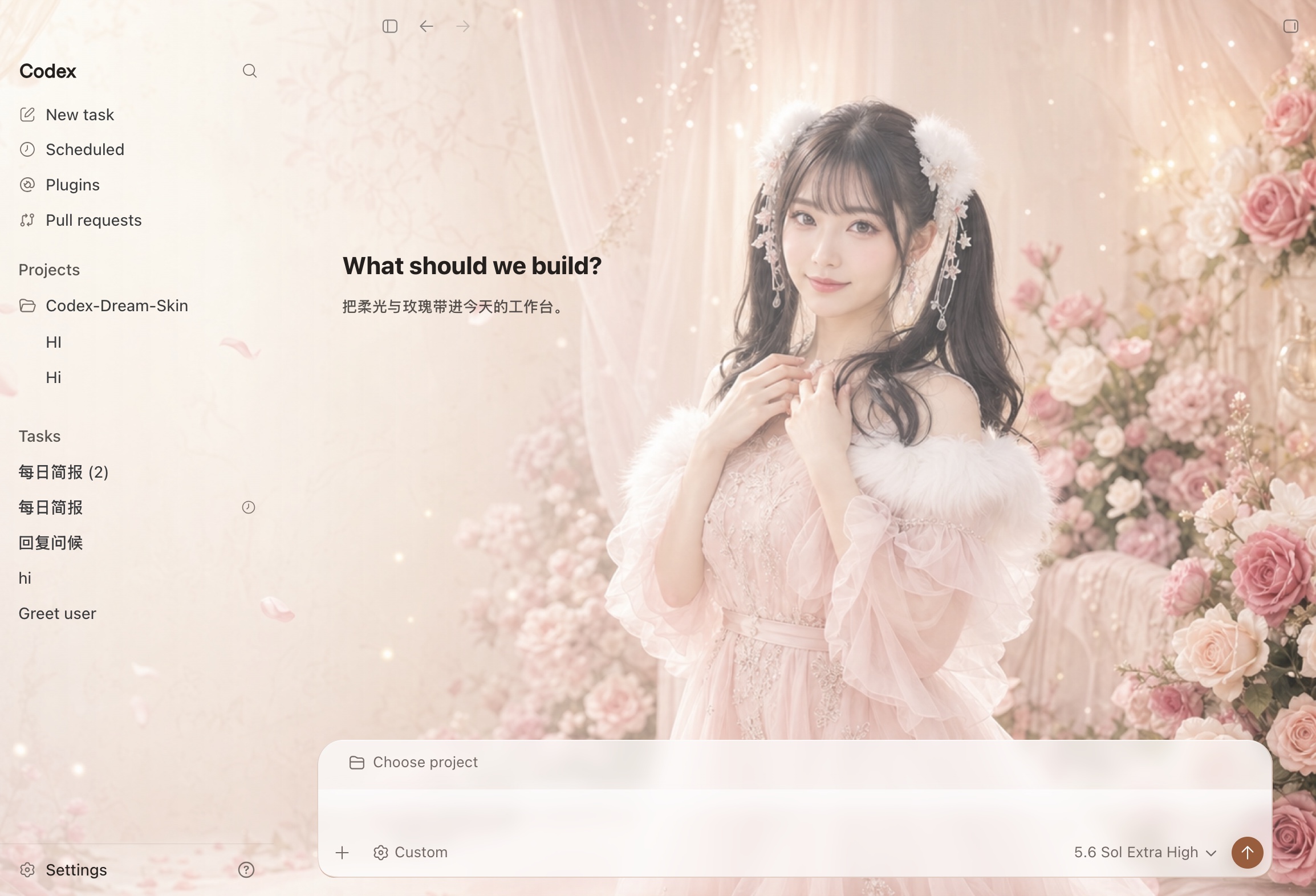
Cozy · Light
Open-source reference

Cyberpunk · Light
Open-source reference

Minimal · Light
Open-source reference

Purple · Cyberpunk
Open-source reference

Purple · OLED
Open-source reference
What should we build?
OLED · Cozy
Open-source reference

Cozy · Light
Open-source reference
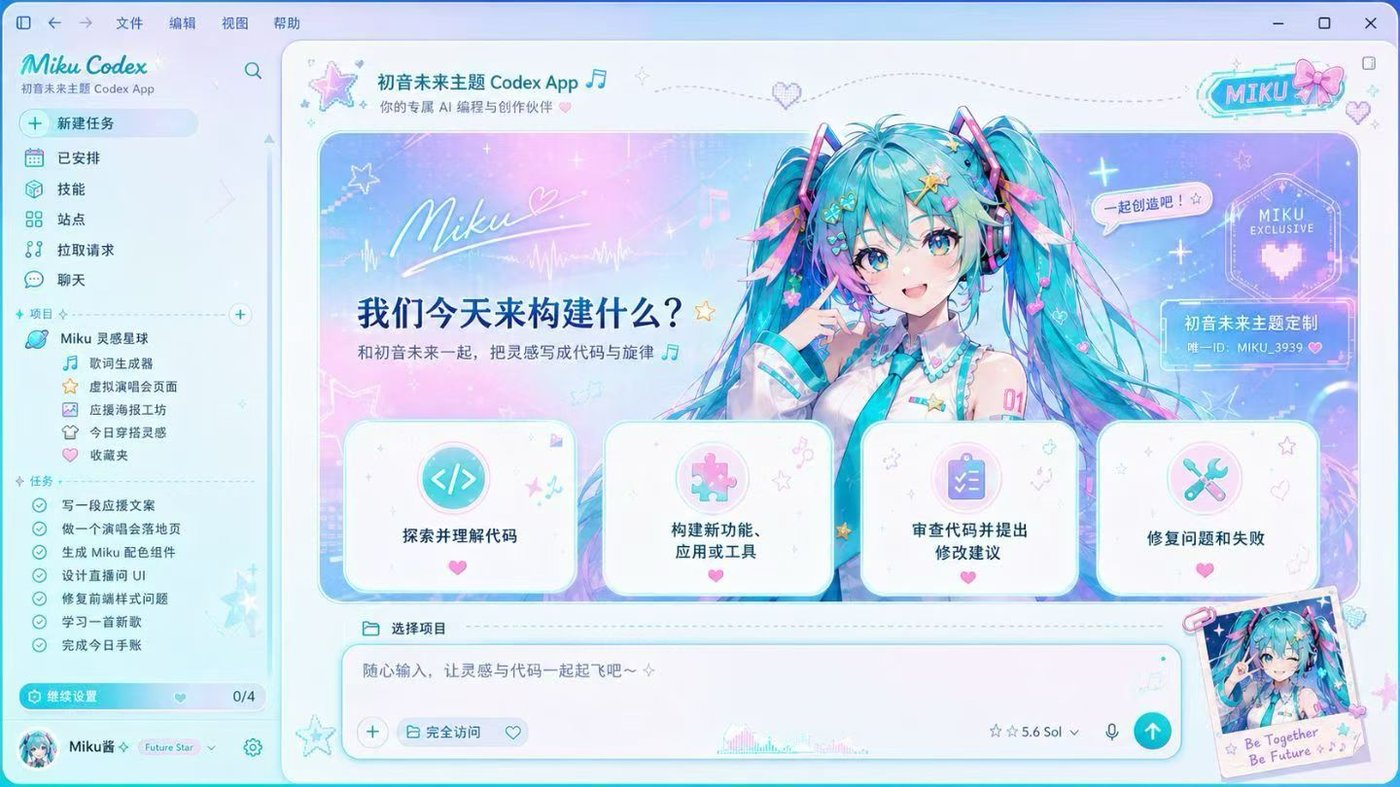
Cyberpunk · Purple
Open-source reference

Cozy · Light
Open-source reference
What should we build?
Purple · Cyberpunk
What should we build?
Minimal · OLED
What should we build?
Cyberpunk · OLED
What should we build?
Cozy · Light
What should we build?
Minimal · Light
What should we build?
Purple · Cozy
What should we build?
Cyberpunk · Purple
What should we build?
OLED · Minimal
Everything for a complete Codex Dream Skin
Codex Dream Skin Generator combines theme discovery, AI creation, preview, packaging, and recovery in one focused workflow for Codex Desktop on macOS.
Describe a mood in one sentence and let the Codex Dream Skin Generator create a wide, low-noise background that preserves readable workspace areas.
Explore original and open-source reference themes across Minimal, Cyberpunk, Cozy, OLED, Light, and Purple styles.
Open any theme as a starting point with its visual direction, accent color, opacity, blur, and contrast already prepared.
Tune only the settings that matter: wallpaper, accent color, surface opacity, background blur, and contrast.
Download a ZIP containing your theme data, wallpaper, fixed runner, illustrated instructions, and a visible restore command.
Return to the standard Codex appearance at any time with the Restore Default entry bundled with every downloadable skin.
Built for different ways of working
Use restrained color, soft glass, and generous negative space for long coding sessions with fewer visual distractions.
Turn a favorite mood, season, color palette, or visual reference into a workspace that feels recognizably yours.
Build near-black themes with controlled highlights and clear Diff colors for comfortable late-night work.
A transparent download
The website generates visual data and a wallpaper. Executable behavior comes from a fixed, version-controlled runner template rather than user-generated JavaScript.
config.json
Validated theme parameters
wallpaper.webp
Generated or selected wallpaper
Start My Skin.command
Fixed local runner
Restore Default.command
Restore Default command
README.html
Illustrated setup guide
Local-first by design
Codex Dream Skin is an independent, experimental visual tool. Its runner is designed to connect only to local Codex windows through loopback CDP.
Does not read or upload chats, code, projects, terminal output, credentials, or API keys.
Does not accept arbitrary JavaScript, remote script URLs, or executable user input.
Connects only to 127.0.0.1 and targets expected Codex Desktop pages.
MVP compatibility is tested against a specific Codex Desktop version and may change after updates.
Pick, Remix, Apply
Browse the theme gallery or describe the Codex workspace you want to create.
Generate a background and adjust accent, opacity, blur, and contrast while keeping the workspace readable.
Download the macOS ZIP, read the included guide, and use the supplied command to launch your skin.
Codex Dream Skin FAQ
No. Codex Dream Skin is an independent and experimental project. It is not affiliated with, endorsed by, or supported by OpenAI.
Codex Dream Skin Generator is a visual workspace for browsing curated skins, generating wide-screen AI wallpapers, remixing themes, previewing results, and downloading macOS skin packages.
No. The product is designed not to read or upload chats, source code, project files, terminal output, credentials, or API keys.
The macOS package uses a fixed local runner to apply validated visual settings to a supported Codex Desktop version through local loopback CDP.
Every downloadable package includes a visible Restore Default command that stops the skin and returns Codex to its standard appearance.
The MVP targets macOS and one tested Codex Desktop version. Windows support and broader automatic version compatibility are planned for later releases.
Make Codex feel like your workspace
Open Codex Dream Skin Generator, start with a curated theme or a new prompt, then preview and download a complete macOS skin package.

